
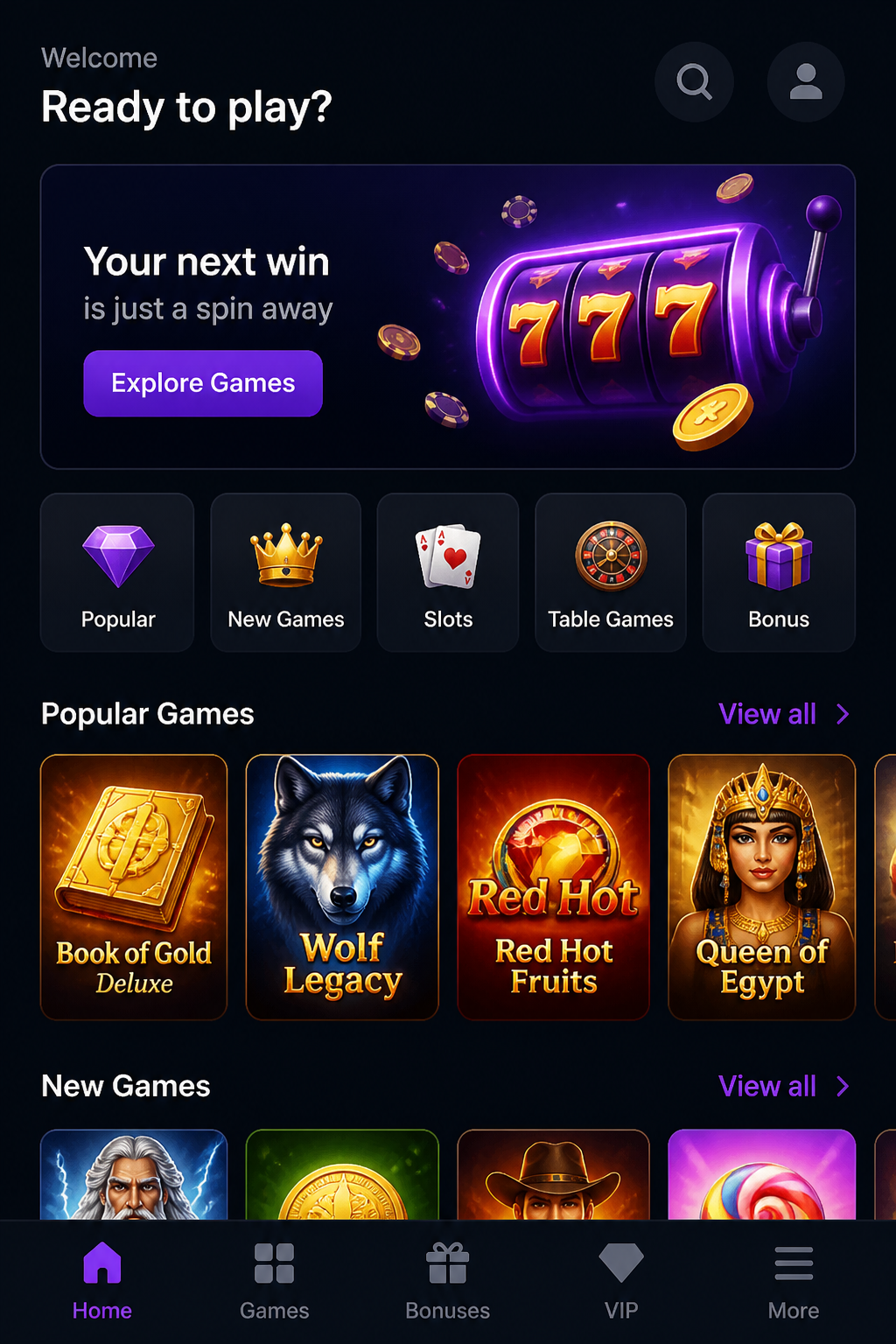
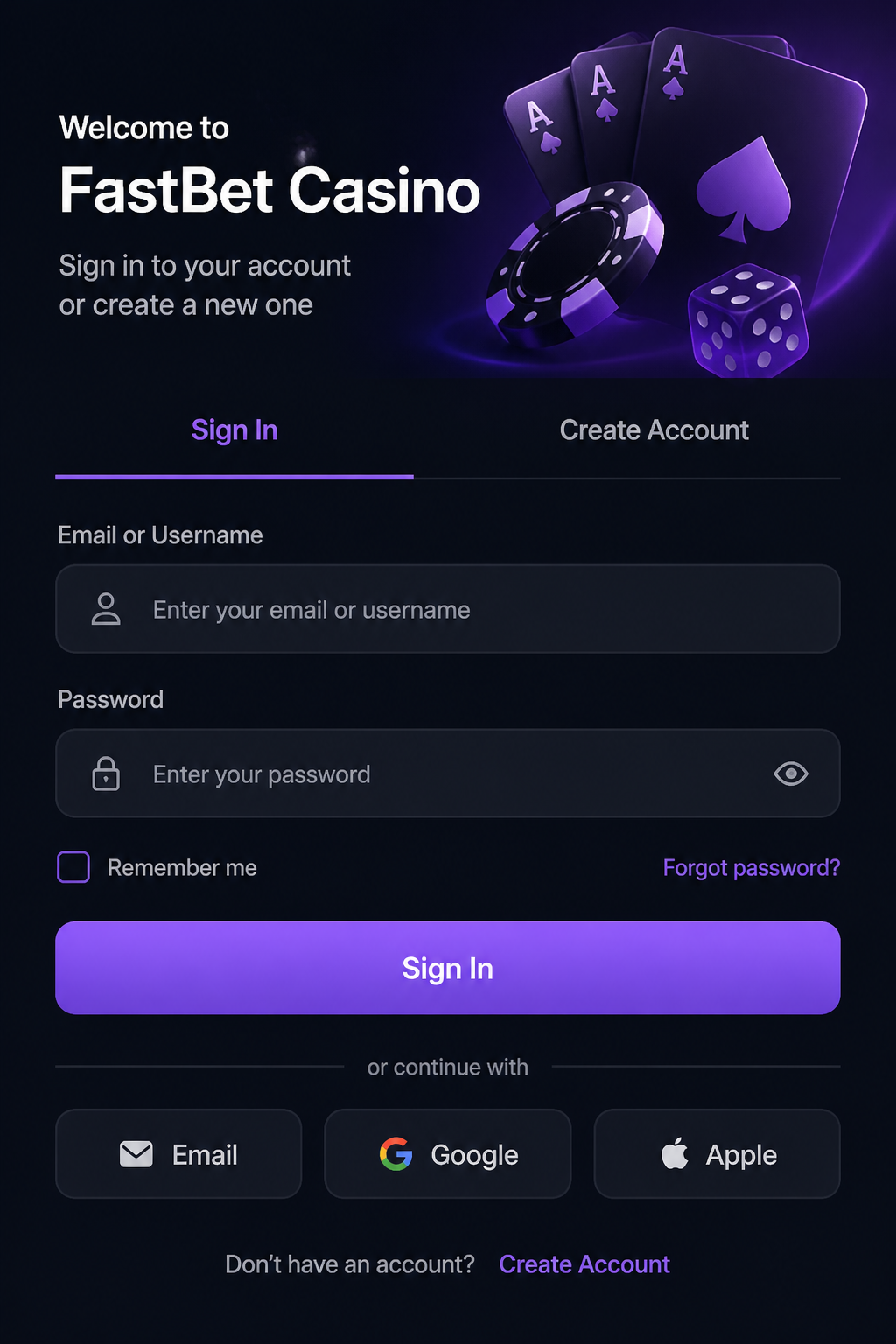
Using FastBet on a phone may sound straightforward, yet the actual experience depends on the device, browser and availability of official software. A home-screen shortcut is not automatically a native app. This guide therefore covers mobile sign-in, game display, payments, security and support without claiming that a verified Android or iOS application has been established.
The stated 100% match up to €500 plus 500 free spins does not replace the need for a safe and comprehensible mobile experience.
| Mobile access | Browser functionality depends on device |
|---|---|
| Android | Official application not independently verified |
| iOS | Browser or shortcut; app status not verified |
| Sign-in | Security and verification may apply |
| Payments | Check methods in the actual cashier |
| Support | Check current contact options |
Mobile access: what to expect

Playing on a phone should not mean hunting for tiny text or tapping the wrong control. A useful mobile experience starts with legibility, clear navigation and a visible separation between games, account balance and settings.
A responsive page may be more useful than a complicated installation process. Comparisons with other operators can sound useful but may be misleading when the underlying terms differ. For 'mobile access: what to expect', focus on the information relevant to this particular case. Definitions, limits and processes can change by provider, market or account category. General explanations should guide your questions, not become a substitute for details that have yet to be checked in the service being described.
An app is not the same as a mobile site

Some descriptions mention an application, but an official installation package for this specific service has not been independently confirmed. A mobile browser can often handle basic account and game tasks without a separate installation.
Do not trust a download merely because its icon or promotion appears familiar. Distinguish theoretical examples from verified results. Calculations can explain a term, but they do not prove that an operator will deliver a particular outcome. For 'an app is not the same as a mobile site', identify the assumptions behind any example. Which figures are fixed, which conditions still need checking, and which outcomes cannot be guaranteed? The ability to answer those questions matters more than the neatness of the example.
Android: assessing an installation safely
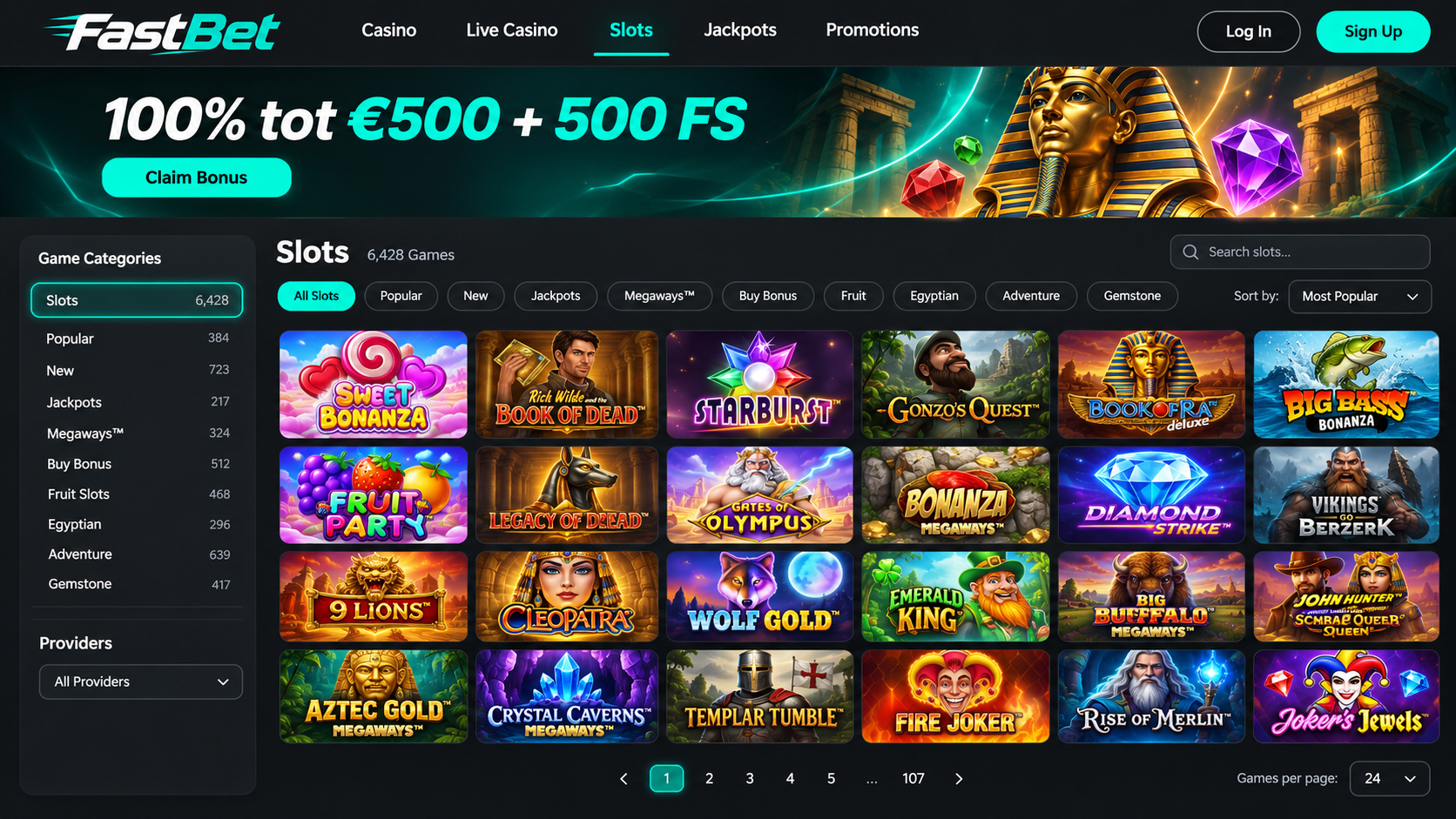
Android can permit installation outside an official app marketplace, which makes source checks especially important. An unknown APK may request permissions unrelated to gambling, such as access to messages or contacts.
Treat unrelated permissions as a warning sign; using the browser may be a simpler option. International readers need to separate ordinary usability from regulatory approval. A website may work smoothly and display familiar payment brands without being authorised in every country. Ask three independent questions: what can a customer technically do, which conditions apply to that action, and is the service permitted where the customer lives? The answers may differ. Conflating them creates false confidence about matters that should be checked separately.
iPhone: browser, shortcut and app
On an iPhone a website can often be added to the home screen. That shortcut may look like an app while remaining a web experience. The distinction matters when an advertisement offers a download without identifying an official publisher.
Check whether the features you need work in Safari before looking for software. Preparation does not need to become a complicated exercise. For 'iPhone: browser, shortcut and app', check three things: what you expect to happen, which rule might limit that expectation, and how completion will be confirmed. This is especially useful because problems often become apparent only later, when a balance differs, a document is missing or a deadline is approaching. A brief check beforehand can prevent lengthy follow-up.
Signing in on a small screen
Fast sign-in may be convenient, but account protection still matters. Sessions should be safeguarded, personal details should not remain on a shared device, and a new phone can legitimately trigger additional security checks.
Use device locking and avoid saving credentials in public or shared browsers. Uncertainty should remain visible in an independent guide. If a detail is not supported by the operator or another reliable source, it is better to say so than invent an exact number. That applies to payout times, licence status, support availability and technical features. For 'signing in on a small screen', careful boundaries around known and unknown information are more useful than confident but unsupported claims.
Mobile slots and live tables
Large controls can make a slot comfortable in portrait mode, while live tables may work better in landscape. Not every game supports every screen orientation equally. Zoom settings and automatic rotation can affect playability.
Check the stake and balance before each round, especially after rotating the display. Confusion often starts when two distinct stages are described as though they were one. Opening a page is different from confirming an action, and submitting a request does not mean it has been completed. Keep the sequence clear. This makes it easier to identify when a condition starts, which step remains pending and who should be contacted if the next stage does not happen as expected.
Depositing from a phone
Mobile payments can involve banking-app authorisation, card verification or a separate provider page. Accepted methods depend on the actual checkout and a player's country. Familiar payment logos do not prove that every account can use the method.
After authorising payment, return to the correct session rather than placing a second deposit out of impatience. The relevant question is not just whether a feature exists, but under which circumstances it remains available. Account status, payment selection and location can all change the answer. Some processes require extra documents or operate differently during temporary checks. An overview that makes those dependencies clear is more useful than an absolute claim that holds only in the most favourable case.
Withdrawals and account checks
Mobile withdrawals can require documents to be reviewed before payment is approved. Identification images should be readable and submitted only through an authorised secure channel. Never send sensitive documents to an unverified chat account.
Keep a confirmation of the upload or withdrawal request and verify that the submission completed. A practical scenario can be more revealing than a list of impressive terms. Imagine that a promotional summary and the account settings do not entirely agree. The current confirmation and applicable terms then matter more than a remembered banner. Keep a record of relevant information when necessary so that later questions can refer to exact wording, dates and transaction details rather than a vague recollection of marketing.
Performance, battery and connectivity
Animations, live video and unstable networks can tax a mobile device. A frozen game does not automatically mean a wager has disappeared. Once the connection returns, check the balance and game history before assuming the result.
A stable connection and updated browser can improve usability without affecting the odds. Even a well-designed service can blur the line between guidance and binding conditions. An explanatory page may describe how something usually works without establishing the outcome for every account. Find the relevant terms before using controls connected with money, personal data or lasting account changes. A little extra reading is often more useful than relying on the most convenient interpretation of a short summary.
Notifications and personal data
Mobile accounts may display notices about promotions, payments or security events. Not every notification belongs on a lock screen that other people can see. Consider what information might be exposed when the device is unattended.
Review browser or app permissions and disable unwanted promotional notifications. Consider each feature on its own merits. A clear payment screen does not establish that a bonus is flexible, and an attractive game catalogue does not explain how personal information is processed. Each area needs its own checks. This creates a balanced picture in which one positive aspect does not overshadow unanswered questions about licensing, restrictions or account security.
A short mobile checklist
A useful mobile experience means you can read the conditions, locate limits, review a transaction and reach support without unnecessary friction. Attractive animations matter less than dependable basics.
Explore navigation and display behaviour before depositing; awkward flows become easier to notice. Technical knowledge is not required to ask a sensible question. Find out what exactly happens, when it should happen, and what the customer needs to do if something goes differently. These questions are more useful than relying on a marketing phrase. In the area of 'a short mobile checklist', small checks help separate a general expectation from the specific agreement that governs the account or transaction.
What good mobile access looks like
A safer mobile experience offers readable navigation, a visible balance, accessible terms and controls for limiting play. There is no reason to install an application merely for its icon if the essential functions work through the browser. If a download is offered, verify the publisher and requested permissions. When a game freezes, checking history and account status is more useful than assuming the stake is lost. Avoid hurried repeat payments and never submit documents through unverified chat channels. Convenience should support security and clarity, not replace them.